
Wedding photography
What to do when your wedding gallery arrives
How to keep the full set safe, choose what to share with guests and make time to see the day together.
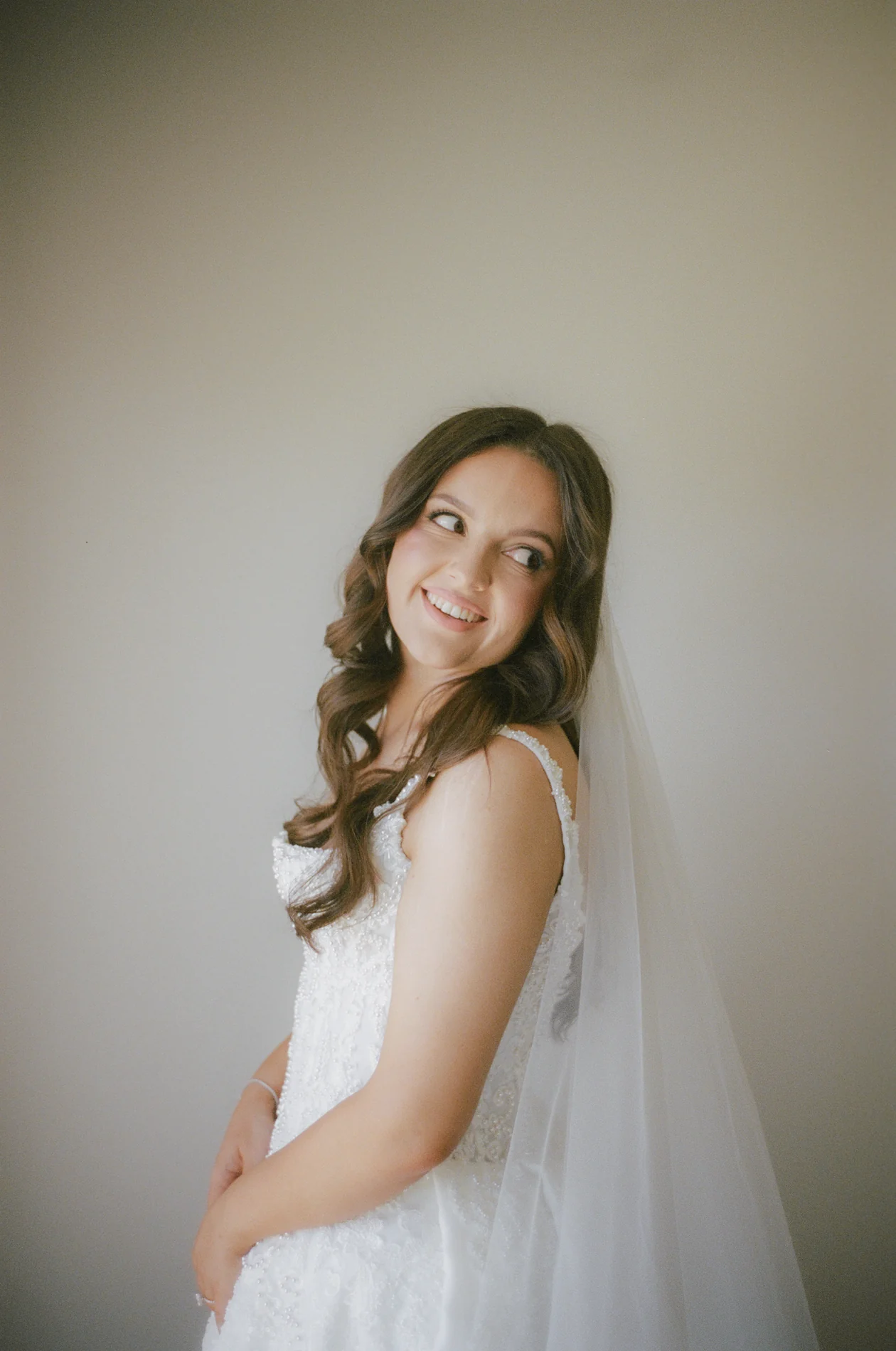
When your wedding gallery lands, the first thing we’d do is open it together. You’ll remember what it felt like to walk into the reception. Your partner might spot what happened at the table across the room while you were doing it. A full gallery gives you both versions of the day.
Once you’ve had that first look, there are two things worth doing while the email is still easy to find: save the complete set somewhere you control, then decide what you want other people to see.
01
Download the full gallery, not just your favourites
Use the original delivery email to sign in as the couple and check whether your photographer has included a download deadline. If the gallery offers different sizes, choose the high-resolution set for your own archive. Keep the smaller files for easy sharing if you want them, but don’t let them become your only copy.
Do it on a computer if you can. Download every part if the gallery splits the collection into several ZIP files, then extract them into one clearly named folder. Open a handful of images from the beginning, middle and end to make sure they’ve arrived intact. If a section is missing, go back to the gallery before you put the email away.
02
Make a second copy you can get to without the gallery link
Keep one copy where you normally store your photos and another somewhere independent, such as a separate drive or a cloud backup. Two folders on the same laptop won’t help if the laptop goes missing. If you use cloud storage, wait for the upload to finish and check that you can open the files from another device.
Name the folder with your names and wedding date. If your photographer delivers an extra set separately, such as film scans or guest portraits, keep it beside the main gallery with its own label. It’s much easier to find one particular photograph later if you know which collection it belongs to.
03
Make a guest selection before forwarding anything
The link you receive as the couple may give you access that a guest link doesn’t. Check the gallery’s sharing options, or ask your photographer which link to send, rather than forwarding the original email by default.
Think about what guests would enjoy seeing: the garden during drinks, a table laughing through a speech, the people who stayed on the dancefloor. You can share those without sending the quieter getting-ready photos or anything you’d rather keep between the two of you. If you had guest portraits, a separate portrait selection gives people a straightforward way to find their own photographs.
04
Keep the pictures you might have skipped on the first pass
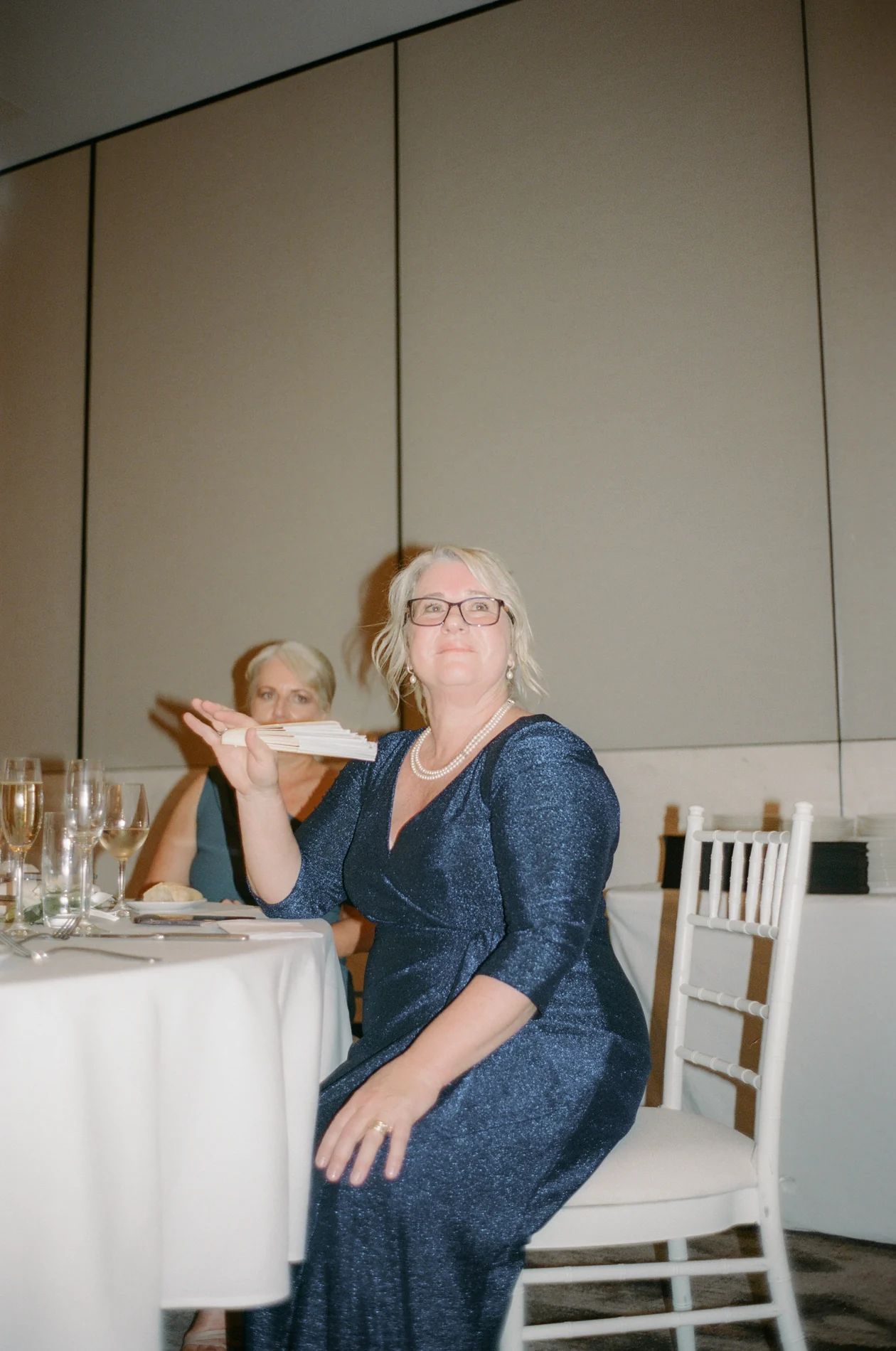
You’ll probably have a few immediate favourites. Leave the rest of the full set intact. Later, the photograph you look for might be the one of your friends finding their seats or a reaction you didn’t see from where you were standing. That’s one of the reasons we love seeing a wedding as a full gallery.
Once your copies are safe and your guests have the right link, there’s no need to make every other decision that week. You can come back to the gallery when you feel like looking through it again.
The photographs should be easy to come back to
If you’re still choosing a photographer, ask how the gallery is delivered and what you’ll be able to keep and share. We’re happy to talk through how we photograph and deliver a full wedding day.